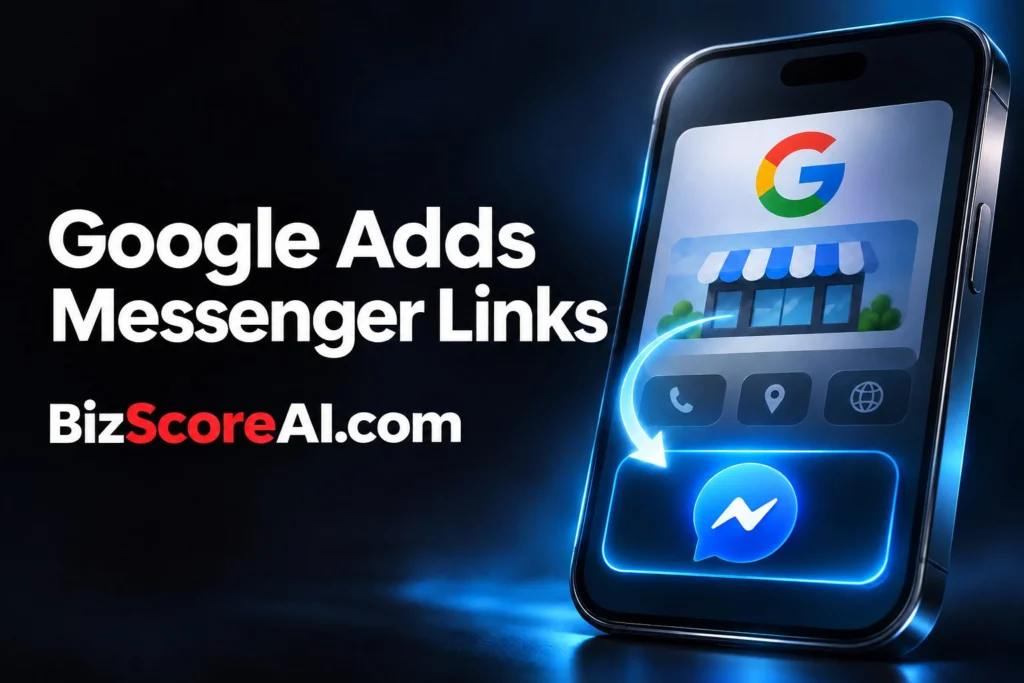
Search Engine Roundtable reported on October 28, 2026 that Google is emailing businesses to let them know it is automatically adding Facebook (Meta) Messenger M.me links to their Google Business Profile.
The notice says the links are being added automatically, while the report also says the author had not previously seen an M.me link placed on a Google Business Profile.
What was observed
The report centers on an email received by Darcy Burk, who shared it on X and wrote, “Anyone else getting a wave of these m.me links automatically updated in your Google Business Profiles?” Search Engine Roundtable included a screenshot of the message.
The author also noted that Google Business Profiles sends emails of this type, but said he did not think he had seen M.me links added before. That combination makes the report an observation of an emerging listing change, not a Google announcement and not a description of a completed rollout.
No rollout criteria were published in the report. It does not say whether selection depends on an existing Facebook Page, Messenger activity, a business category, a connection between the profiles or another factor.
What M.me links do
An M.me link is a short URL service provided by Meta. When someone opens it, the link starts a direct chat conversation with a Facebook Page in Facebook Messenger.
Messenger research provides some context for the service experience, but the studies do not examine Google Business Profile placement.
A 2023 auto-ethnographic study in Frontiers in Psychology looked at three years of academic collaboration through Messenger. The researchers reported valued features such as easy phone calls, sending links, resources and screenshots, plus emojis and stickers that supported more cohesive interactions. They also described benefits and challenges in using Messenger instead of traditional email correspondence.
That evidence concerns academic collaboration rather than customer service, so it cannot establish how a Google listing will perform. It does show why a direct chat channel can suit some communication needs, especially when people need to exchange links, files or screenshots.
What is confirmed versus uncertain
What the report confirms
- Google is emailing businesses about automatically adding Facebook Messenger M.me links.
- An email was received and shared by Darcy Burk.
- The report included a screenshot of the notice.
- An M.me link opens a direct chat conversation with a Facebook Page in Facebook Messenger.
What remains uncertain
- Which businesses or profiles receive the links.
- How widespread the update is.
- Whether every Google Business Profile will receive an M.me link.
- Whether a business can prevent, replace or remove an automatically added link.
- Whether the link affects rankings, clicks or the number of conversations.
How to audit an automatically added Messenger link
A business owner can document and verify the relevant details without assuming that the label alone proves the destination is correct. Keep a record of the listing as it appears to the public and compare that view with the notification.
- Document what customers see. Record whether a Messenger or M.me contact button appears on the public Google listing, where it appears and whether it was present before the update.
- Trace the destination. Open the link from the public listing and record the exact Page, the page title and the destination address. Compare those details with the business’s intended Facebook Page.
- Confirm Page ownership. Check the Page through the business’s own account and confirm that the Page is active, managed by the business and connected to the correct profile.
- Keep the notice. Save the Google email and record its date. Check whether it includes a reporting path or instructions.
- Review response coverage. Compare the contact expectation with the business’s actual support process, including opening hours, response times and who handles Messenger inquiries.
What this means for trust and visibility
Customers might interpret the link in different ways, and the listing may or may not identify its destination.
Research on messenger design adds another consideration. An analysis published through PubMed Central examined design elements in social media, messenger and freemium game apps. The authors argued that many elements can prolong usage time, although they noted that it is difficult to understand the effect of any single element without app data available to independent researchers.
For a business, the practical trust check is simple. The public listing, the email notice and the destination Page should tell the same story. If they do not, the owner needs a way to report or correct the discrepancy through the support path available in the notice or Google’s listing management process.
What to do now
- Check the public Google Business Profile for a Messenger or M.me contact button and save a dated screenshot.
- Open the link and compare the destination Page with the business’s Facebook Page, including the page name and destination address.
- Keep the Google notification and look for any instructions or reporting path.
- Confirm that the Page is active and that the business has assigned coverage for Messenger inquiries.
- Record what happened.
FAQ
Who receives the Google Messenger M.me link?
Search Engine Roundtable reported on October 28, 2026 that Google is emailing businesses about automatically added M.me links.
Where does an M.me link lead?
An M.me link is a short URL service provided by Meta. Opening it starts a direct chat conversation with a Facebook Page in Facebook Messenger.
Can a business control the automatically added link?
The report did not provide information about whether businesses can remove, prevent or replace an automatically added M.me link.
Related coverage
- Google Business Profiles Local SEO Success Data
- Why Your Google Reviews Keep Disappearing (And What Your Business Score Depends On) – BizScoreAI
- Warning: Google Business Profile Hijacking Scams Are on the Rise – BizScoreAI
Try the free listing check
BizScoreAI scores how visible a business is to AI search and shows what its listing looks like to the engines people ask. Open the free listing check.
Sources
See our editorial disclaimer for how our articles are produced.
Run a free scan to see your AI Visibility Score, SEO rating, and local citation accuracy.