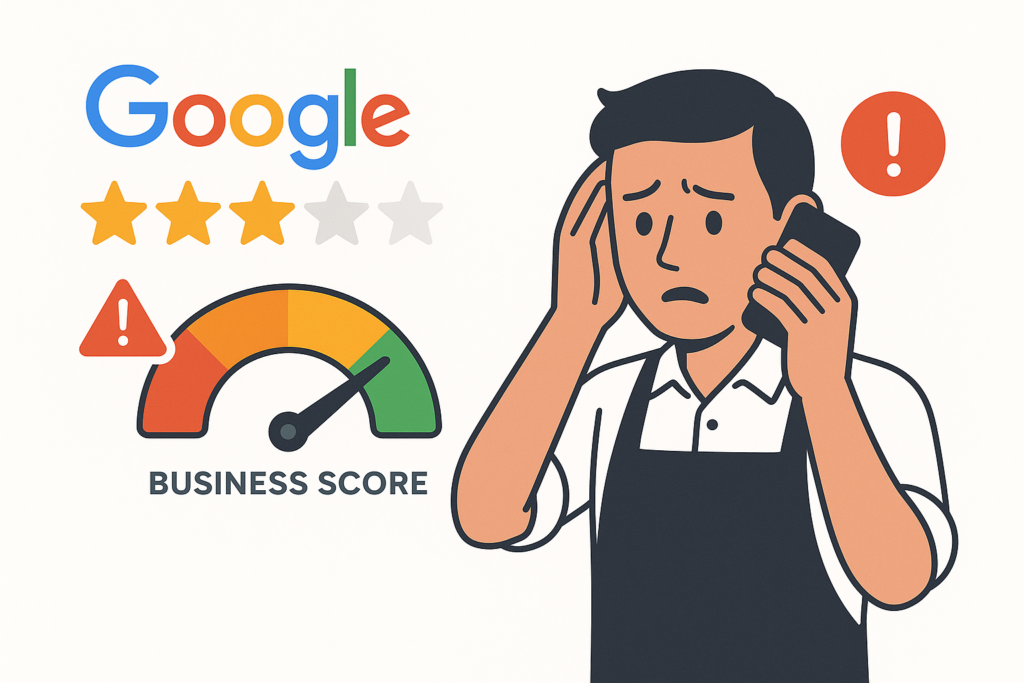
Google reviews are vanishing across industries in 2025-2026, including reviews from real customers, after Google’s AI-driven filtering grew more aggressive and now retroactively removes previously visible submissions. The disappearances are cutting into local rankings, star ratings, and the social proof businesses have spent years building.
Why Google Reviews Matter for Your Business Score
Your Google Business Profile reviews directly influence how your business is found, trusted, and scored online. Losing them is a measurable business impact.
- Local search rankings: businesses with higher review counts and ratings consistently rank higher in Google Maps and local search results.
- Consumer trust signals: 93% of consumers say online reviews impact their purchasing decisions, and your star rating is often the first thing they see.
- Business credibility scores: platforms that aggregate business data use review volume and rating as core scoring inputs.
- Click-through rates: a 4.8-star profile with 150 reviews gets dramatically more clicks than a 3.9-star profile with 12 reviews, even at the same ranking position.
What’s Causing the Mass Review Disappearances
Google’s review filtering has become significantly more aggressive. The system now uses AI (powered by Gemini) to evaluate the legitimacy of reviews before they’re published, and to retroactively remove ones that were previously visible.
The key triggers:
- Location signals: reviews submitted from within or very near the business location are increasingly flagged; Google’s systems can cross-reference location data to identify on-premises submissions.
- No prior brand interaction: a reviewer who never searched for the business, visited the profile, or engaged with the brand online lacks trust signals and is more likely to be filtered.
- Reviewer account quality: reviews from new Google accounts, accounts with no review history, or accounts that suddenly leave multiple reviews across different businesses get extra scrutiny.
- Review velocity spikes: a sudden spike in new reviews, common after a review solicitation push, can trigger a filtering event that affects all recent reviews, even legitimate ones.
The QR Code Problem Most Businesses Don’t Know About
QR codes have become the go-to tool for review solicitation, printed on receipts, counter signs, table tents, and business cards. They’re convenient and effective in theory, but most businesses make a critical mistake in how they deploy them.
Most QR codes link directly to the Google Business Profile review prompt. When a customer scans that code while still at the business and immediately leaves a review, Google’s filters see:
- a review submitted from the business location, a policy red flag, and
- a reviewer who went directly to the review form without any prior brand search, a trust signal deficit.
The review may be completely genuine, but it looks exactly like a coached or incentivized review to Google’s systems, and it gets removed.
The Simple Fix That Protects Your Reviews
The solution, recommended by local SEO experts, is to change where your QR code points.
Instead of linking to your GBP review prompt, link to a branded Google search.
Updated workflow:
- Create a URL:
https://www.google.com/search?q=YourBusinessName+YourCity - Encode this into your QR code.
- When a customer scans it, they’re taken to Google search results for your business.
- They find your profile, see your existing reviews, and leave their own from that context.
This creates two protective signals: the customer interacts with your brand on Google before reviewing (increasing trust), and the submission comes from their home or mobile device, not from inside your business.
When Should You Ask Customers for a Review?
Beyond where you send customers, when you ask matters too. In-the-moment requests, while the customer is still at your location, carry the highest risk. Best practices:
- Hand out a business card as they leave with a verbal request: “Would you mind leaving us a Google review? Scan this code when you get a chance.” The verbal commitment dramatically increases follow-through.
- Send a follow-up message 24–48 hours after the visit, via email, text, or booking-system automation.
- Never incentivize reviews: offering discounts, gifts, or any reward for a review violates Google’s policies and can result in your entire profile being penalized.
How to Audit Your Review Collection Process
Take 15 minutes today to answer these questions:
- Do any QR codes in your business or on your materials link directly to your GBP review URL? Update them to a branded search URL.
- Are review requests being sent within minutes of a transaction or visit? Add a 24-hour delay.
- Are you running any promotion or offer tied to leaving a review? Stop immediately.
- Are you asking customers to leave reviews on-site using a tablet or shared device? This is the highest-risk scenario; shift entirely to take-home requests.
How Do You Rebuild a Review Profile Long-Term?
If you’ve already lost reviews, the most important thing is to build a consistent, ongoing review collection process that generates steady new reviews over time. A business that earns 5–10 new reviews per month from a clean, policy-compliant process will outperform a business with a one-time review push that resulted in 50 filtered reviews.
Consistency signals legitimacy. Velocity spikes signal manipulation, even when there wasn’t any.
Your Google Business Profile review score is one of the most important factors in how your business performs in local search. Make sure your review collection strategy is protecting those reviews, not putting them at risk.
Run a free scan to see your AI Visibility Score, SEO rating, and local citation accuracy.