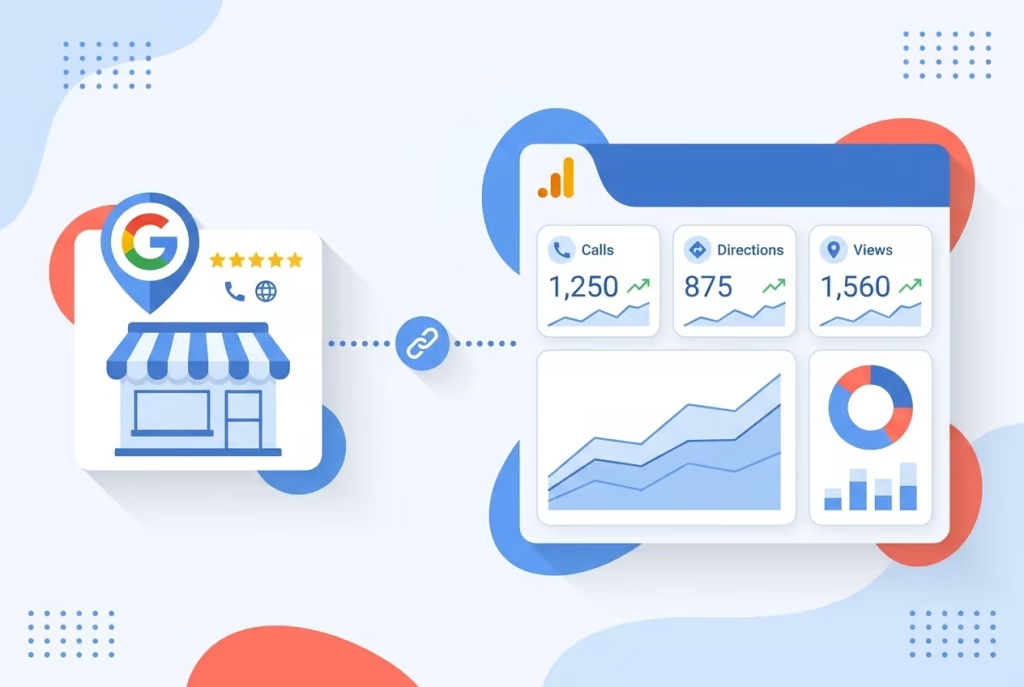
Google Analytics 4 now natively imports phone calls, direction requests, and bookings from your Google Business Profile, ending the split-dashboard problem local businesses have wrestled with for years. Off-profile actions that often lead directly to a sale, like a tap to call or a tap for directions, now appear in GA4 right next to website conversions. The integration is rolling out gradually through the GA4 admin panel at no extra cost.
Offline actions on your Business Profile, a call, a direction tap, a booking, are now visible alongside website traffic in one dashboard.
Why It Matters
Google Business Profiles drive massive local interaction, but until now that interaction was invisible inside Google Analytics. According to BrightLocal’s 2025 Local Marketing Survey, the average Google Business Profile receives 1,009 interactions per month, and 42% of those actions are calls or direction requests, high-intent moves that often lead directly to a sale. The survey also found that while 73% of consumers used a business’s profile to call or get directions, those actions never appeared in the GA4 reports many SMB owners check every week. Every phone call from the profile, every tap for directions, and every booking was recorded only in the separate Business Profile dashboard, leaving a blind spot in the conversion story. With the connection live, a local baker, plumber, or salon can finally see the full impact of their GBP presence without stitching together two exports or installing extra call-tracking code.
What’s New and How It Works
Google has officially documented a product link between GBP and GA4 in the Analytics admin panel. Once you connect your profile, a dedicated GBP reporting section appears under the usual reports, displaying seven interaction types: interactions, website clicks, calls, directions, messages, bookings, and menus. According to Google Analytics Help, “You can link your Google Business Profile to your Analytics property to view Business Profile performance data in Analytics.” The data flows automatically after linking; no UTM parameters are needed, and the metrics are first-party data native to your property.
Setup is straightforward:
- Navigate to GA4 Admin → Product Links → Google Business Profile links.
- Click Link and select the profile(s) you want to connect.
- Confirm the link; editor or administrator access on the GA4 property and owner or manager permission on the GBP are required.
Once linked, reports begin populating, and you can view the seven metrics inside acquisition and engagement reports. The feature is rolling out gradually, so you may not see the option right away.
What Do the Numbers Show?
- 7 interaction types now tracked natively: interactions, website clicks, calls, directions, messages, bookings, and menus.
- 42% of average GBP interactions are calls or directions, according to the BrightLocal 2025 survey, actions previously invisible in Analytics.
- 1,009 average interactions per month per profile, per BrightLocal, meaning a substantial share of local intent was missing from GA4.
- 6-month data retention for GBP metrics inside GA4; reports won’t show events older than six months, even if the GA4 date range goes further back.
- Aggregated data only if you link multiple profiles, GA4 merges all metrics into a single dataset with no per-location filtering or segmentation.
For the first time, a small business can see whether a customer called from the GBP, asked for directions, or booked an appointment, all inside the same analytics property that shows website sessions and form fills.
What Comes Next for the Integration?
Google’s phased rollout suggests this integration will eventually become standard for all GA4 users. Multi-location operators are likely to push for per-profile segmentation, and Google may expand the integration to subproperties and audience building. A deeper connection with Google Ads is also a natural next step, if clicks to call or get directions can be fed into bidding algorithms as conversion signals, local campaigns become much more intelligent. For now, the feature is a supplement, not a replacement for the detailed location-by-location exports from the Business Profile dashboard, but it signals Google’s intent to centralize measurement across its properties.
What Should You Do Right Now?
If you manage a local business listing, this integration is a quick win that costs nothing to set up. Immediately link your GBP to GA4 so you can see calls and direction requests in the reports you already check. Then, review your profile’s completeness, because if you’re not tracking these actions, you may be undervaluing your local visibility. A clear, up-to-date listing helps turn profile viewers into callers, and now you can prove that with data. Head over to claim your business listing if you haven’t already, and use our local SEO tools to make sure your name, address, and phone number are consistent everywhere. Once the calls start showing up in GA4, consider which leads are genuinely ready to buy, you can score those leads so your sales team responds to the hottest prospects first.
While you’re strengthening your local signals, don’t forget that customers also check social profiles. Keep your social presence active and on-brand with Feedsta.ai, an AI social media manager that schedules posts, handles engagement, and monitors mentions so your reputation stays crisp across platforms.
This GA4 update also matters as AI agents increasingly direct consumers to local businesses. When a voice assistant pulls your GBP and suggests a call, that interaction now lands in GA4, giving you a concrete way to measure AI-driven leads. Read our post on making sure AI agents can find your business, and learn how AI Mode vs. AI Overviews changes which surface drives more calls.
The Bigger Picture for Local Attribution
Native GBP data in GA4 removes a long-standing attribution headache for SMBs. By bringing offline local actions into the first-party data layer, Google is helping business owners build a more honest picture of where their leads originate, whether from a search that ended in a tap on “Directions” or a website visit. As AI-powered search continues to fragment the discovery journey, owning your measurement stack becomes a competitive advantage. The businesses that connect their profile today will be the ones that can prove what their local presence is really worth.
FAQ
What metrics does the GA4 and GBP integration track?
It tracks seven interaction types directly from your Google Business Profile: total interactions, website clicks, calls, direction requests, messages, bookings, and menus. These metrics appear alongside your standard GA4 website data under acquisition and engagement reports once the profile is linked.
Can I see per-location data if I connect multiple Business Profiles?
No. When you link more than one Google Business Profile to the same GA4 property, all metrics are aggregated into a single dataset. There is currently no built-in way to segment or filter by individual location, and multi-location brands should continue using the Business Profile dashboard or the Performance API for location-level detail.
How long is GBP data retained in GA4?
GA4 retains GBP metrics for six months. Even if your Analytics property has a longer data retention setting, the Business Profile events will not appear for dates older than six months, so you may want to export or archive the data periodically for long-term trend analysis.
Sources
- BrightLocal 2025 Local Marketing Survey
- Google Analytics Help: Link Google Business Profile to Analytics
Run a free scan to see your AI Visibility Score, SEO rating, and local citation accuracy.