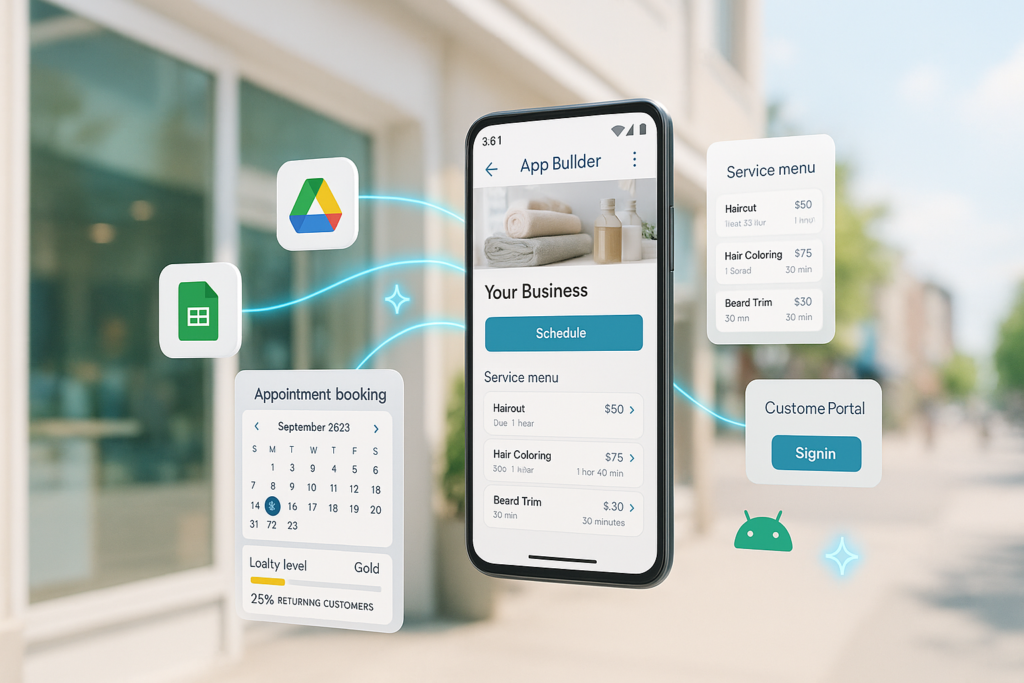
Google AI Studio’s new App Builder can spin up a fully functional native web app from a single plain-English prompt, with no manual coding required. Powered by Gemini 2.5 Pro and integrated with Project IDX, it generates a Next.js application with a React frontend, serverless APIs, authentication, and Firestore in under five minutes. It is the first major AI development environment to connect natural-language prompting directly to end-to-end app generation.
Why It Matters
Software development remains one of the biggest bottlenecks for small businesses, startups, and internal teams inside larger organizations. A 2024 Stack Overflow survey found that developers spend roughly 35% of their time on setup, configuration, and boilerplate tasks before writing meaningful application logic. The ability to describe an app and receive a working, editable version shortens that cycle from days or weeks to minutes, making custom tool creation accessible to people who don’t write code every day.
Google isn’t alone in pursuing AI-assisted coding, but few tools have bridged the gap between a natural-language description and a deployable app. AI Studio’s app builder lets you bypass scaffolding and jump straight to something testable. For the millions of businesses that rely on spreadsheets, paper forms, or duct-taped manual workflows, that’s a genuine reduction in the barrier to building purpose-built digital tools.
How Does the App Builder Work?
Inside Google AI Studio, the new "App Builder" mode accepts a prompt like "Build a customer feedback tool with a form, an email notification backend, and a simple dashboard." Gemini then generates a full-stack Next.js application with a React frontend, serverless API routes, and integration with Firebase Auth and Firestore, all within the Project IDX cloud workspace. You can preview the app instantly, tweak the prompt to adjust layout or behavior, and download the complete codebase for further iteration.
Under the hood, the model plans the data schema, UI components, and routing, then produces modular, Git-friendly code rather than a monolithic block. The integration with Project IDX means the generated app is already running in a live preview environment, complete with staging URLs and one-click deployment to Firebase Hosting. Early demos show the system handling branching user flows, form validation, and even simple role-based access in response to multi-paragraph prompts.
The feature is explicitly aimed at prototyping and internal tools, not at replacing professional software engineering. Google cautions that generated code requires careful security review and testing before production use, but the speed of the initial build marks a new inflection point for "vibe coding," the practice of iterating on software by describing intent and inspecting output rather than writing syntax.
The Numbers
- Under five minutes to generate a fully running app with frontend, backend, and database, according to Google’s own AI Studio documentation.
- Multi-page web apps with authentication, Firestore integration, and server-side APIs are supported in the initial release.
- Project IDX integration provides instant live preview and one-click Firebase deployment, as detailed on the Project IDX site.
- Gemini 2.5 Pro handles the code generation, selected specifically for its long-context reasoning and multilingual code fluency.
- Mobile app generation for Android is in active development, with Flutter code output appearing in early previews.
“You can go from an idea to a fully functional, deployable app in under five minutes."
, Google AI Studio Blog, May 2026
AI that turns a description into a live app isn’t a distant vision, it’s a five-minute workspace.
What Comes Next
Google plans to expand App Builder to Android and iOS via Flutter, moving beyond web-only generation. The team is also working on built-in testing harnesses that can automatically generate unit and end-to-end tests alongside the application code, reducing the manual QA burden that currently falls on the developer who inspects the AI’s output. Longer term, Google envisions App Builder integrating with external APIs from the Google Cloud ecosystem, Calendar, Gmail, Maps, so that prompts can request apps that schedule meetings, geolocate users, or trigger email workflows without requiring the developer to configure those connections manually.
For the open-source community, the code-generation pipeline is built on top of Gemini’s API, which means third-party platforms could replicate similar flows. The barrier to entry isn’t the model; it’s orchestrating the UI planning, incremental revision, and deployment, areas where Project IDX’s cloud workspace gives Google a distinct advantage today.
What This Means for You
If you run a small business or lead a team without a dedicated development staff, Prompt-to-App means custom internal tools are suddenly within reach. Need a booking portal, an inventory tracker, or a client onboarding flow? You can sketch it in English, get something working in minutes, and hand it to a contract developer for the final polish. It’s prototyping without the traditional 10x cost and timeline.
However, speed doesn’t replace due diligence. The generated code may contain overly permissive security rules, inefficient database queries, or edge cases the AI hasn’t encountered. Any app accepting payments or handling personal data still demands a thorough security and compliance review by an experienced developer. Think of App Builder as a 90% head start; the final 10% is where professionalism makes the difference between a demo and a dependable product.
As AI-generated apps begin to feed data into the broader web, businesses will also need to consider how those apps, and the content they serve, show up in search. A custom booking tool that works beautifully but is invisible to local search won’t help customers find you. Smart local SEO strategies ensure that even lightweight AI-built tools contribute to your discoverability. For more perspectives on how AI is reshaping digital visibility, explore our blog.
The way businesses create and publish digital experiences is changing fast. To keep your content strategy aligned with how AI models interpret and cite information, read our post on the 2026 content framework for AI search; it’s directly relevant when the apps you build feed signals into AI-driven ecosystems.
The Bigger Picture
Prompt-to-App represents a real step toward a world where software is something you describe, not something you write. It lowers the mechanical barrier to creation, but it raises the stakes for what comes after: testing, security hardening, and thoughtful UX design. The most successful adopters will be the ones who use AI speed to iterate faster, not to skip the hard work of building things that actually serve people well.
FAQ
What exactly does Google AI Studio’s App Builder do?
It generates a complete, runnable web application from a natural-language description. You type a prompt, like "build a task tracker with login and a dark-mode toggle," and the system produces a Next.js app with a React frontend, backend APIs, authentication, and a live preview inside Project IDX, all in a few minutes.
Can I use the generated code in a real production app?
Yes, the code is yours to keep and modify. However, Google warns that the output is intended as a rapid prototype and should be thoroughly reviewed for security, performance, and edge-case handling before production deployment. It’s a fast start, not a finished product.
What are the main limitations right now?
Current limitations include web-only deployment (Android preview, not stable), no built-in automated testing on generation, and a tendency to produce functional but non-optimized UI layouts. Additionally, complex external API integrations beyond Firebase may need manual configuration.
Run a free scan to see your AI Visibility Score, SEO rating, and local citation accuracy.