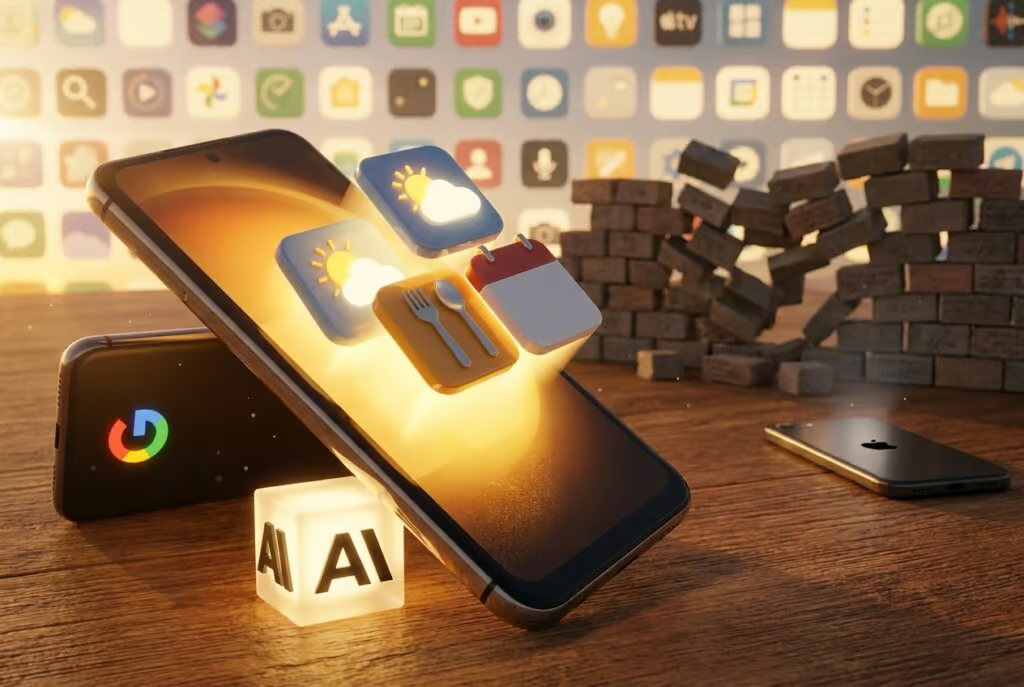
At Google I/O 2026, Google announced that its AI Studio can now generate a native Android app from a text prompt and export it to a phone in "a matter of minutes." The initial release is limited to "personal utility" apps, making it the clearest sign yet that the AI-assisted "vibe coding" wave that swept desktop software in early 2026 is moving to mobile, where most of your customers actually live.
Why It Matters
For close to two decades, business owners have lived inside other people’s apps. If the habit tracker you wanted did not exist, you waited for a developer to build it. If the job-site checklist your crew needed did not have a mobile view, you opened a laptop. Apps shaped the modern smartphone, but the path to making one ran through a small priesthood of engineers, contractors, and six-figure quotes.
That gate is collapsing. Industry surveys consistently show small-business mobile app ownership in the single digits, even though mobile devices drive the majority of consumer search and discovery traffic. The barrier has never been ideas. It has been the cost of turning an idea into something a teammate could actually install. Mobile vibe coding attacks exactly that barrier, and the operators who notice first will be the ones who quietly build five years of internal tooling over a few weekends.
How It Works
The headline announcement: an update to Google AI Studio that lets anyone describe an app in plain English and receive a native Android build, exportable to a phone in minutes. The tool draws on Gemini’s knowledge base, so the model can reason about APIs, data shapes, and interface patterns the way an experienced engineer would. Distribution rules have not changed: putting an app on the Play Store still means going through Google’s existing review process.
Google also previewed AI-generated widgets at last week’s Android Show. Demos included widgets that surface specific weather metrics or suggest recipes, small, single-purpose surfaces that used to require a developer (or a willingness to fight Tasker). Google frames the widget feature as the first step toward what it is calling a "generative UI," where the phone composes interface elements on the fly based on what a user needs in the moment.
Apple is reportedly working in the same direction. The company is building a prompt-driven path for iOS Shortcuts that lets users describe an automation, "open the transit app when I get to the bus stop," for example, instead of assembling it block by block. iOS 27 is the expected vehicle.
The Numbers
- Build time: "a matter of minutes" from prompt to installed Android app, per Google’s I/O demo
- Initial scope: personal utility apps only, broader categories gated for now
- Play Store rules: unchanged, distribution still goes through Google’s review process
- Widget examples shown: targeted weather metrics, recipe suggestions, and other single-purpose surfaces
- Underlying model: Gemini, with full access to its knowledge base
- Apple counter-move: prompt-built Shortcuts reportedly coming with iOS 27
"While I don’t think we want to wake up every morning and have our devices have different UI, I do think there’s a level of personalization and customization to the user that could be delightful," Android president Sameer Samat said.
What Comes Next
Google is positioning prompt-built apps and AI widgets as Act One of a larger generative-UI program. The eventual vision, sketched at I/O, is a phone that composes the screen you need in the moment instead of forcing you to navigate a fixed grid of icons. That is years away, and Samat himself is hedging on how aggressive that personalization should be, but the direction is set.
Reviewer Allison Johnson sounded a useful caution: "I’ve heard a lot of promises over the past few years from tech company execs about how AI will fundamentally change how we interact with mobile devices." Until widgets ship at scale and survive contact with real users, the feature is a demo, not a platform shift.
Apple’s prompt-based Shortcuts work, expected alongside iOS 27 later this year, will turn the announcement into a two-platform story. Once both stores treat "describe what you want" as a first-class input method, the question for SMB operators stops being whether to build internal tools and becomes which ones to build first.
When your phone can build the tool you need on demand, the bottleneck for a small business stops being engineering, it becomes knowing what to ask for.
What This Means for You
If you run a small business, the practical takeaway from I/O 2026 is that the cost of internal mobile tooling is about to fall through the floor. A custom job-site checklist, a route-stop tracker, a quick-quote calculator that pulls your own pricing: these used to require a freelancer, a SaaS subscription, or a half-built spreadsheet. They are now a Saturday-afternoon project.
A few starting points worth running this week:
- Audit the spreadsheets your team opens on a phone. Each one is a candidate for a personal-utility app that lives on the home screen instead of in a browser tab.
- List the widgets you wish your home screen had. Today’s booked appointments. This week’s ad spend. Open invoices over 30 days. Each one is now a prompt away.
- Make sure your business is findable by the AI doing the building. Gemini, ChatGPT, and Claude can only reason about businesses they can see. Claim and verify your listing so the next vibe-coded app a customer builds can include you. Then read our deeper take on why your business may be invisible to AI.
- Check your AI contactability. Listings, structured data, and reachable contact info determine whether AI agents can actually act on your business: see our AI contactability breakdown for the audit.
- Read the companion piece on what AI Studio means for desktop-built business apps. The playbook is the same, the surface is just different.
The Bigger Picture
The smartphone has spent fifteen years being a place where you consume software other people wrote. Google I/O 2026 is the first credible signal that the next fifteen may look different: phones as places where every operator can shape the exact tool they need, on the device they already carry. For small businesses, the win is not just "cheap apps." It is the disappearance of the gap between noticing a workflow problem and fixing it. The businesses that capture that win are the ones already legible to the AI models doing the building.
FAQ
What is mobile vibe coding?
Mobile vibe coding is the practice of building a working mobile app or widget by describing what you want in plain language to an AI model, instead of writing code by hand. At Google I/O 2026, Google extended this approach to Android by upgrading AI Studio so anyone can prompt a native Android app and export it to a phone within minutes. The model handles the engineering decisions (APIs, layout, data structures) while you focus on describing the outcome. It is the same pattern that swept desktop software in early 2026, now landing on the device most customers actually use.
Can I really build my own Android app without coding after Google I/O 2026?
Yes, with caveats. Google AI Studio now lets you generate a native Android app from a prompt and side-load it to your own device in a matter of minutes. The initial release is gated to "personal utility" apps (trackers, calculators, checklists, dashboards) rather than full consumer products. If you want to put a vibe-coded app on the Play Store, you still have to clear Google’s existing review process. For internal team tools and personal workflows, though, the engineering bottleneck is effectively gone.
Is Apple doing the same thing for iPhone?
Reportedly, yes. Apple is reportedly working on a prompt-driven path for iOS Shortcuts, expected to land alongside iOS 27. Today, Shortcuts are assembled block by block, which most users find too fiddly to bother with. The prompt approach would let you describe an automation, for example, "open the transit app when I reach the bus stop," and have iOS build the Shortcut for you. The mechanics differ from Google’s app-building tool, but the user-facing pattern is the same: describe the outcome, skip the assembly.
Sources
- Google I/O 2026 keynote and demo: AI Studio native Android app generation
- The Android Show: AI-generated widgets preview
- Sameer Samat, Android president, on-stage remarks
- Allison Johnson, on cautions around AI-driven mobile UI promises
- Reporting on Apple’s prompt-driven iOS Shortcuts work, expected with iOS 27
Related coverage
Run a free scan to see your AI Visibility Score, SEO rating, and local citation accuracy.