
Google has expanded monitoring capabilities in AI Mode globally to every user, after months of limited access for paid subscribers. The feature lets people describe a topic and have Google’s AI Mode continuously watch the web for new information, then surface an alert through the Google app when the trigger condition is met.
What monitoring in AI Mode does
Monitoring in AI Mode turns a one-off search into a standing watch. A user tells the system what to look for, and AI Mode keeps checking across changing information on the web, including sites, forums, social posts, Google’s real-time data sources, and the Shopping Graph of more than 60 billion products. When something matching the request shows up, Google sends a notification through the Google app in AI Mode.
The feature also suggests tasks while users search, so the latest information can arrive at the moment it happens rather than only when a query is typed again.
Who can use it now
When Google first introduced monitoring in AI Mode, access was limited to Ultra and Pro paid subscribers. That gate is gone. The capability is rolling out to all Google users worldwide, so anyone with the Google app can set up a monitor without a subscription.
Rollout is gradual, so some accounts may not see the option immediately. The feature should appear in the Google app over the coming days.
Example queries the feature is built for
- New restaurants or pop-ups open near me
- Local holiday things to do with the kids
- Back in stock and price drop updates on a product
Each of these maps directly to the kind of information that changes over time and that a user would otherwise have to keep re-searching. A monitor handles the re-search in the background.
How alerts reach users
Alerts are delivered inside the Google app, within AI Mode, rather than through email or a separate dashboard. The monitoring task itself lives where the search happens, which keeps the loop between query and result inside a single surface.
Because the system pulls from the Shopping Graph of more than 60 billion products, price and availability watches cover a far larger catalog than any single retailer feed, which makes the feature useful for tracking restocks across multiple sellers at once.
Why this matters for search behavior
Continuous monitoring shifts some searches from pull to push. Instead of running the same query each week to check for a new restaurant, a holiday event, or a price drop, the user sets the query once and lets the system return results when the trigger fires. That changes the economics of attention: routine, repetitive searches stop costing the user a click, while the moments that actually need a decision arrive as a fresh alert.
For local businesses, a consequence is that visibility depends less on ranking for one search and more on being captured the first time a monitor is set. A restaurant that appears in an initial scan of “new places near me” is more likely to be included in a standing watch than one that only surfaces after a user refines the query.
For product sellers, the same logic applies to price and stock data, since the Shopping Graph indexes a wide catalog and can fire alerts from many sellers at once.
Where to find monitoring in AI Mode
The feature is live in the Google app inside AI Mode. Users open the app, enter AI Mode, and either describe a topic to monitor or accept one of the suggested tasks that appear during a regular search. From that point, AI Mode runs the check in the background and delivers an alert in-app when the condition is met.
There is no separate settings page or opt-in form beyond the AI Mode interface itself, which keeps the setup path short.
FAQ
What is monitoring in Google AI Mode?
Monitoring in Google AI Mode is a feature that lets a user describe a topic to watch and then have Google’s AI Mode continuously check the web for new or changed information. When the trigger condition is met, an alert is sent through the Google app in AI Mode.
Is AI Mode monitoring available to everyone now?
Yes. Google has rolled out monitoring capabilities in AI Mode globally to all Google users, after a period when the feature was limited to Ultra and Pro paid subscribers. Rollout is gradual, so some accounts may not see it immediately.
What kinds of queries work with AI Mode monitoring?
Google has pointed to queries such as new restaurants or pop-ups open nearby, local holiday activities for kids, and back-in-stock or price drop updates. Any topic where fresh information matters works as a monitor task.
Related coverage
SEOScanPro
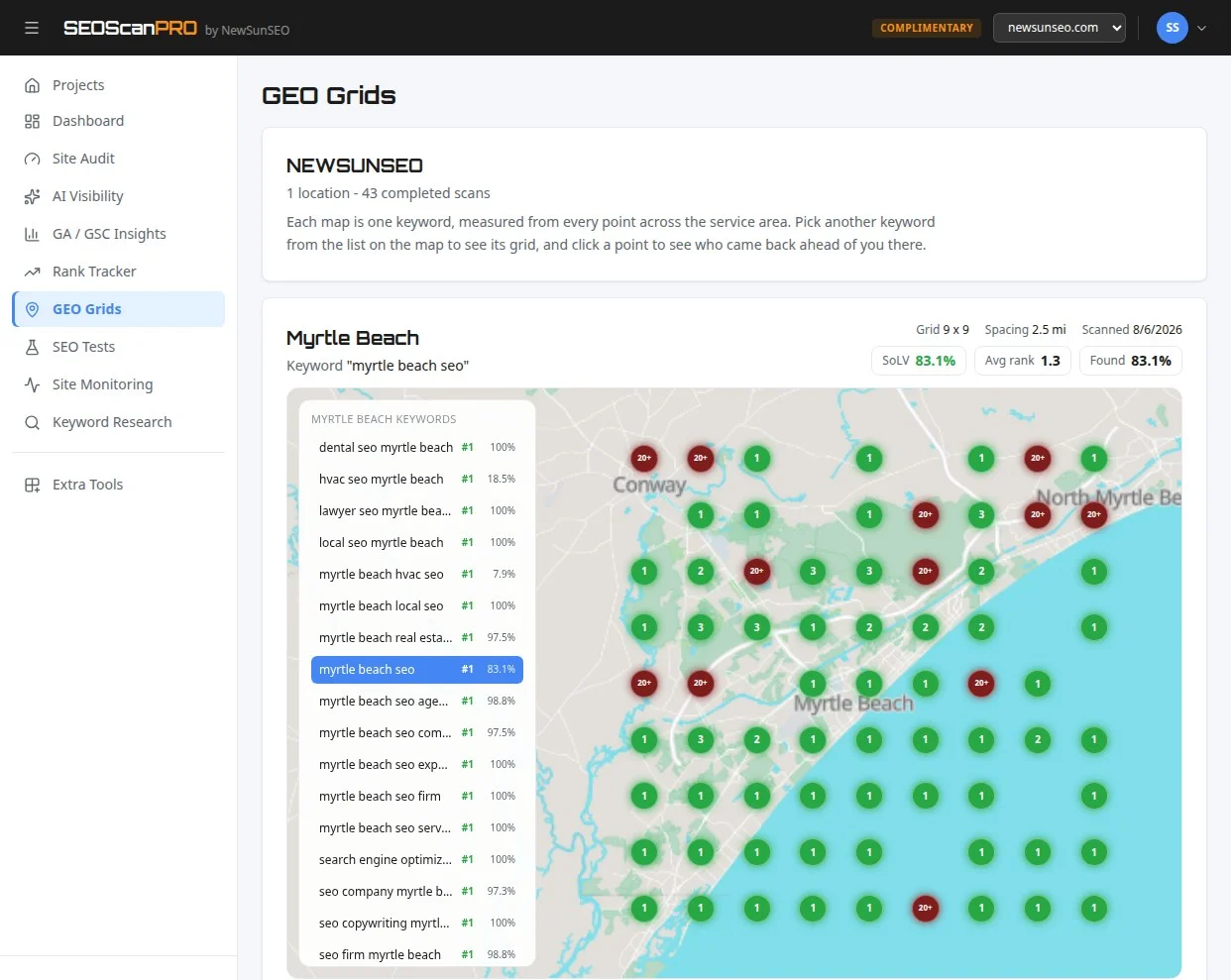
SEOScanPro has the geo grid tool runs a full technical audit of a site and shows the measured result behind every check. Open the geo grid tool.
This article summarizes reporting from seroundtable.com. See our editorial disclaimer for how our articles are produced.
Run a free scan to see your AI Visibility Score, SEO rating, and local citation accuracy.